TABLE OF CONTENTS
1. Overview
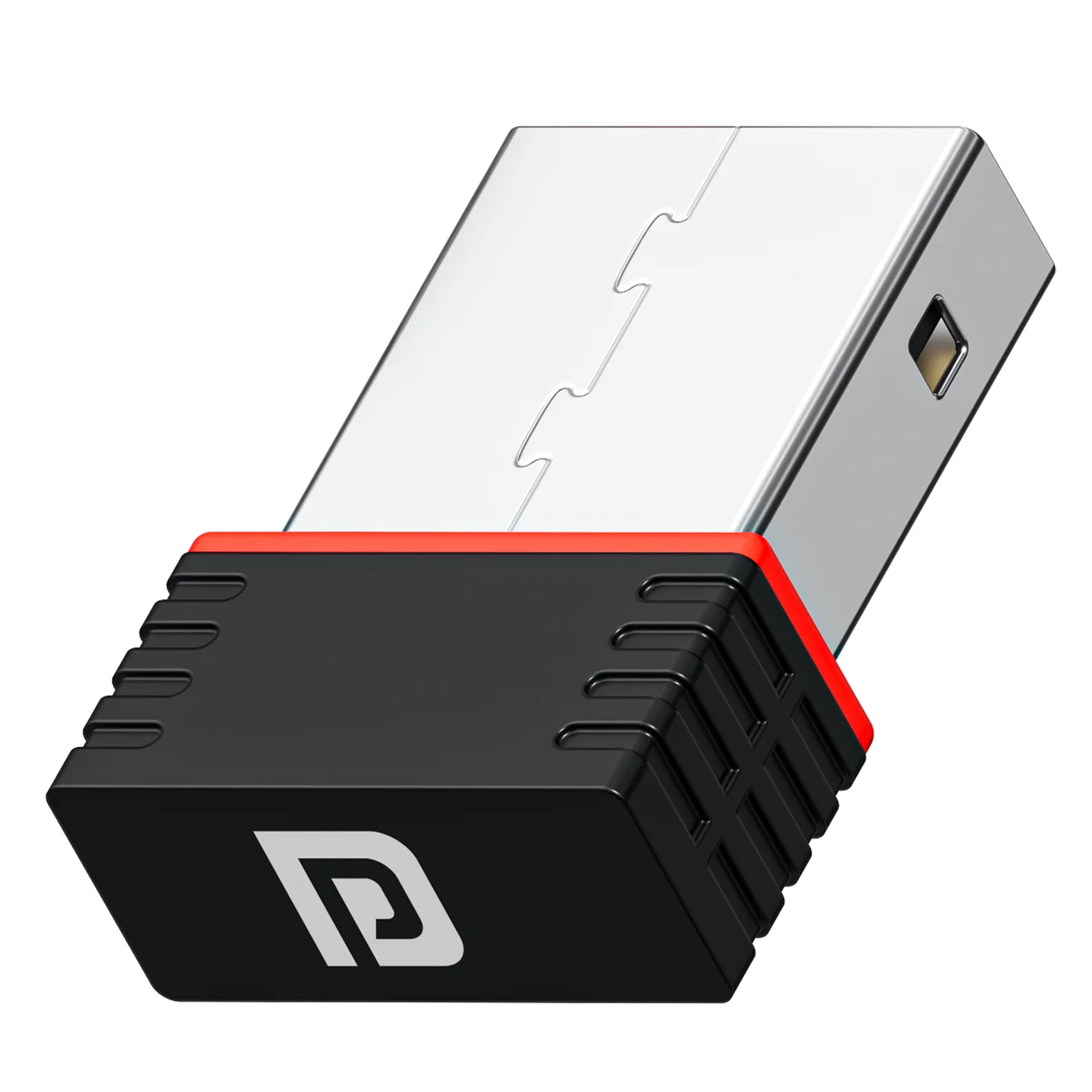
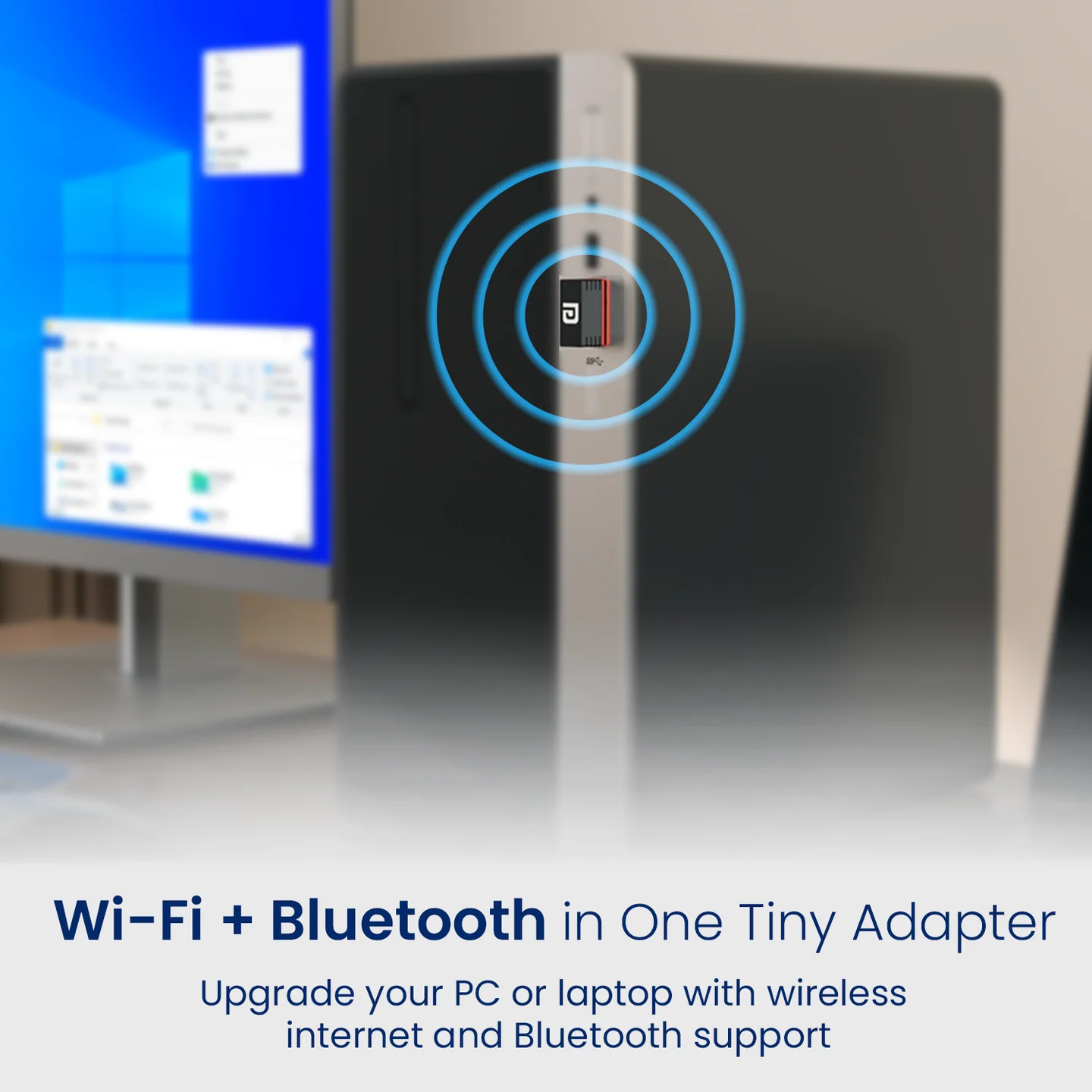
BlueFi is a compact 2-in-1 nano USB adapter that adds both Wi-Fi and Bluetooth connectivity to a desktop or laptop through a single USB port. It's designed for plug-and-play use — letting you connect to wireless networks while simultaneously pairing Bluetooth devices like keyboards and mice. It's an ideal upgrade for systems without built-in wireless support.
2. Full Specifications
| Category | Details |
|---|---|
| Product Type | Bluetooth & Wi-Fi Dongle |
| Compatibilty | Windows 10 and Above |
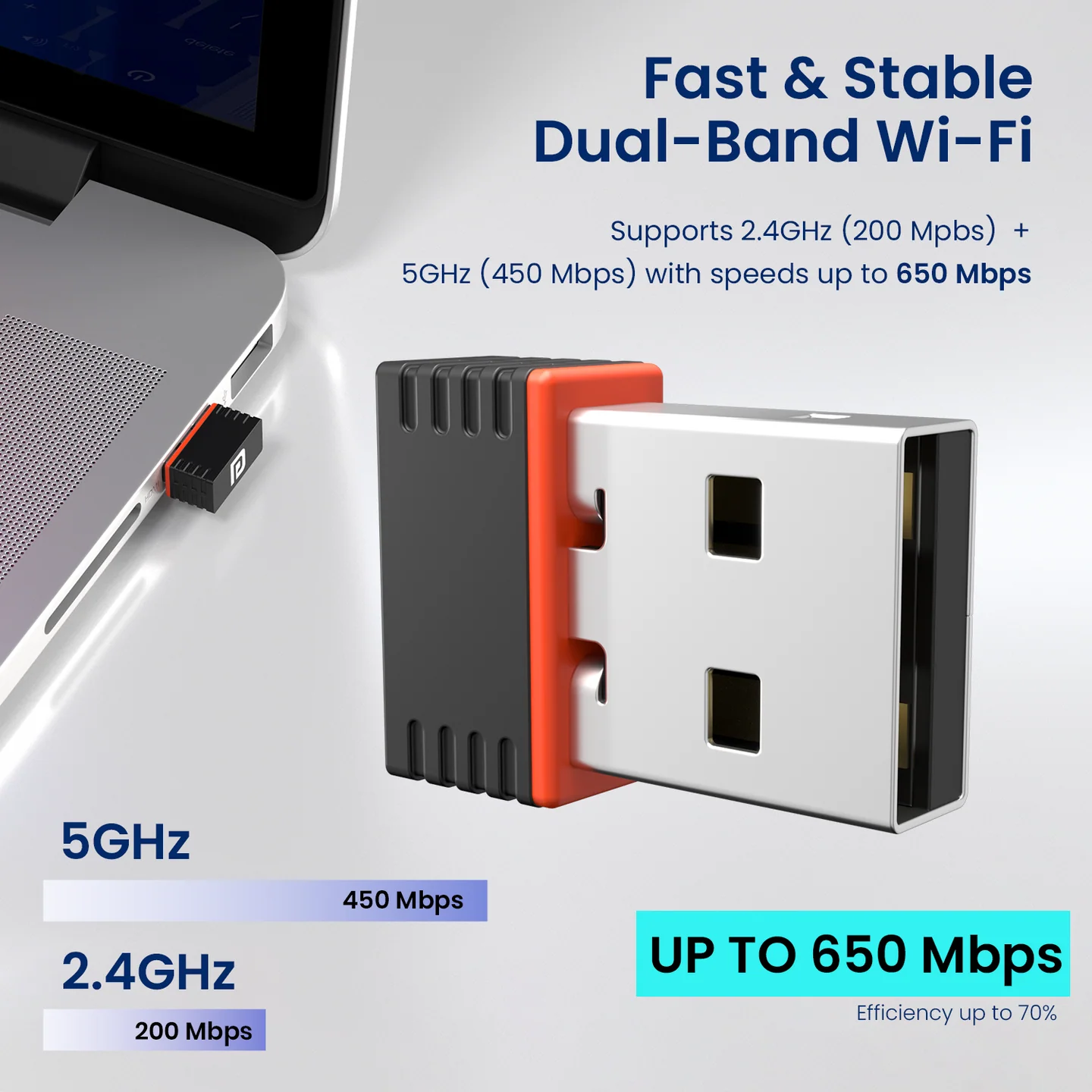
| Wi-Fi Bands | Dual-band — 2.4 – 2.4835 GHz and 5.15 – 5.85 GHz |
| Wi-Fi Standards | IEEE 802.11 a/b/g/n/ac |
| Wireless Speed | Up to 650 Mbps |
| Host Interface | USB 2.0 |
| Bluetooth Version | Bluetooth 3.0/3.1/4.1/4.2 LE |
| Antenna | Internal steel PIFA antenna |
| Power Supply | DC 5.5V ± 0.3V main power supply |
| Form Factor | Ultra-compact Nano USB — approx. 2cm x 1.5cm x 0.5cm, sits nearly flush with the host device |
| Warranty | 1 year manufacturer warranty from date of purchase |
3. Key Features
- 2-in-1 Wi-Fi + Bluetooth in a single nano USB adapter — no need for separate dongles.
- Dual-band Wi-Fi (2.4GHz + 5GHz) for wider coverage and faster, more stable connections.
- Supports IEEE 802.11 b/g/n/ac for compatibility with older and newer routers.
- Bluetooth support for wireless keyboards, mice, and other accessories.
- True plug-and-play — no driver installation needed on supported systems.
- Nano form factor stays nearly flush with your laptop/desktop, reducing risk of accidental damage — great for travel.
4. How to Use BlueFi
Step 1: Plug & Detect
- Insert the BlueFi USB adapter into a free USB port on your desktop or laptop.
- Your system will automatically detect the adapter.
Step 2: Internet (Wi-Fi) Connection
- Once plugged in, your system will show available Wi-Fi networks.
- Select your preferred Wi-Fi network.
- Enter the password to connect.
- After a successful connection, your device is ready for internet access.
Step 3: Bluetooth Connection
- Enable Bluetooth in your system settings.
- Search for nearby Bluetooth devices (e.g. keyboard, mouse).
- Select the device you want to pair.
- Once paired, the device is ready to use.
5. Warranty: 12 months, covering product design, feature, and functionality-related faults. Damage due to physical impact, liquid exposure, fire, or misuse is not covered.
Need Help?
- Visit: support.portronics.com
Was this article helpful?
That’s Great!
Thank you for your feedback
Sorry! We couldn't be helpful
Thank you for your feedback
Feedback sent
We appreciate your effort and will try to fix the article