TABLE OF CONTENTS
- 1. Introduction
- 2. Specifications
- 3. Ports (Back Panel)
- 4. Controls
- 5. Getting Started
- 6. Volume & Track Control
- 7. Charging
- 8. Support
1. Introduction
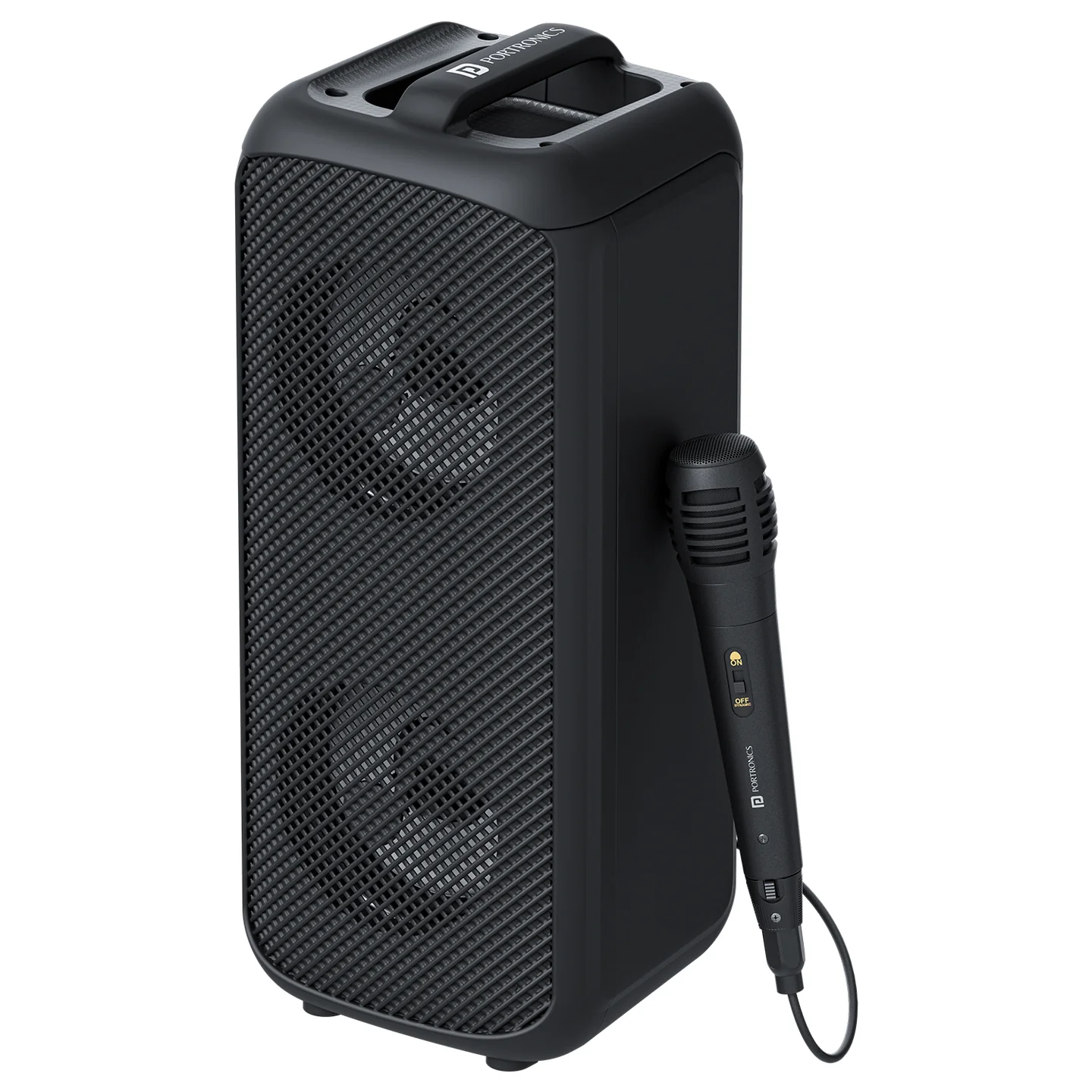
Thank you for choosing the Portronics Rumble. Rumble is a 25W party speaker with dual dynamic drivers, a wired karaoke mic, up to 5 hours of playtime, and Type-C fast charging — with Bluetooth, FM, TF card, AUX, and USB connectivity.
2. Specifications
| Specification | Details |
|---|---|
| Wireless Version | 5.3 |
| Distance | 10m |
| Playback Time | Up to 5 Hours |
| Output Power | 25W |
| Speaker | 4" x 2 |
| Material | ABS |
| Battery | 2000mAh |
| Distortion Degree | <1% |
| Signal to Noise Ratio | –75dB ~ 95dB |
| Wireless Profiles | HFP / HSP / A2DP / AVRCP |
| Charging Interface | Type-C |
| Functions | Wireless, FM, TF, AUX, USB, MIC |
3. Ports (Back Panel)
| Port | Function |
|---|---|
| Type-C Charging Port | Connect the supplied Type-C cable to charge the speaker |
| USB Port | Play audio from a USB flash drive |
| TF Card Port | Play audio from a TF (microSD) card |
| AUX Port | Connect a 3.5mm audio cable to play from a compatible device |
| Mic Microphone Interface | Plug in the wired karaoke mic |
4. Controls
| Control | Function |
|---|---|
| Power | Power on/off |
| Previous Track / Volume Down | Long press: decrease volume · Short press: previous track |
| Next Track / Volume Up | Long press: increase volume · Short press: next track |
| Pause/Play | Short press to pause or play |
| Function Mode Switch (M) | Cycles between input modes (Bluetooth/Wireless, FM, TF, AUX, USB) |
5. Getting Started
- Press the Power button to turn Rumble on.
- Press the Function Mode Switch (M) to cycle to your preferred mode: Wireless (Bluetooth), FM, TF, AUX, or USB.
- For Bluetooth: open Bluetooth settings on your phone and select "Rumble" from the list to pair.
- For TF card or USB: insert your TF card or USB drive into the corresponding port; use Pause/Play and the track buttons to control playback.
- For AUX: connect a 3.5mm audio cable between your device and the AUX port.
- Plug the wired karaoke mic into the Mic Microphone Interface to sing along.
6. Volume & Track Control
- Short press the previous/next track buttons to skip tracks.
- Long press the same buttons to decrease or increase volume respectively.
- Short press the Pause/Play button to pause or resume playback.
7. Charging
Connect the supplied Type-C cable to the Type-C Charging Port to charge Rumble. On a full charge, it offers up to 5 hours of continuous playback, depending on volume and usage.
8. Support
If the issue persists after performing all troubleshooting steps, please raise a support request.
Our support team will assist you further.
Support
- Visit: www.portronics.com
- Support Portal: support.portronics.com
Was this article helpful?
That’s Great!
Thank you for your feedback
Sorry! We couldn't be helpful
Thank you for your feedback
Feedback sent
We appreciate your effort and will try to fix the article