TABLE OF CONTENTS
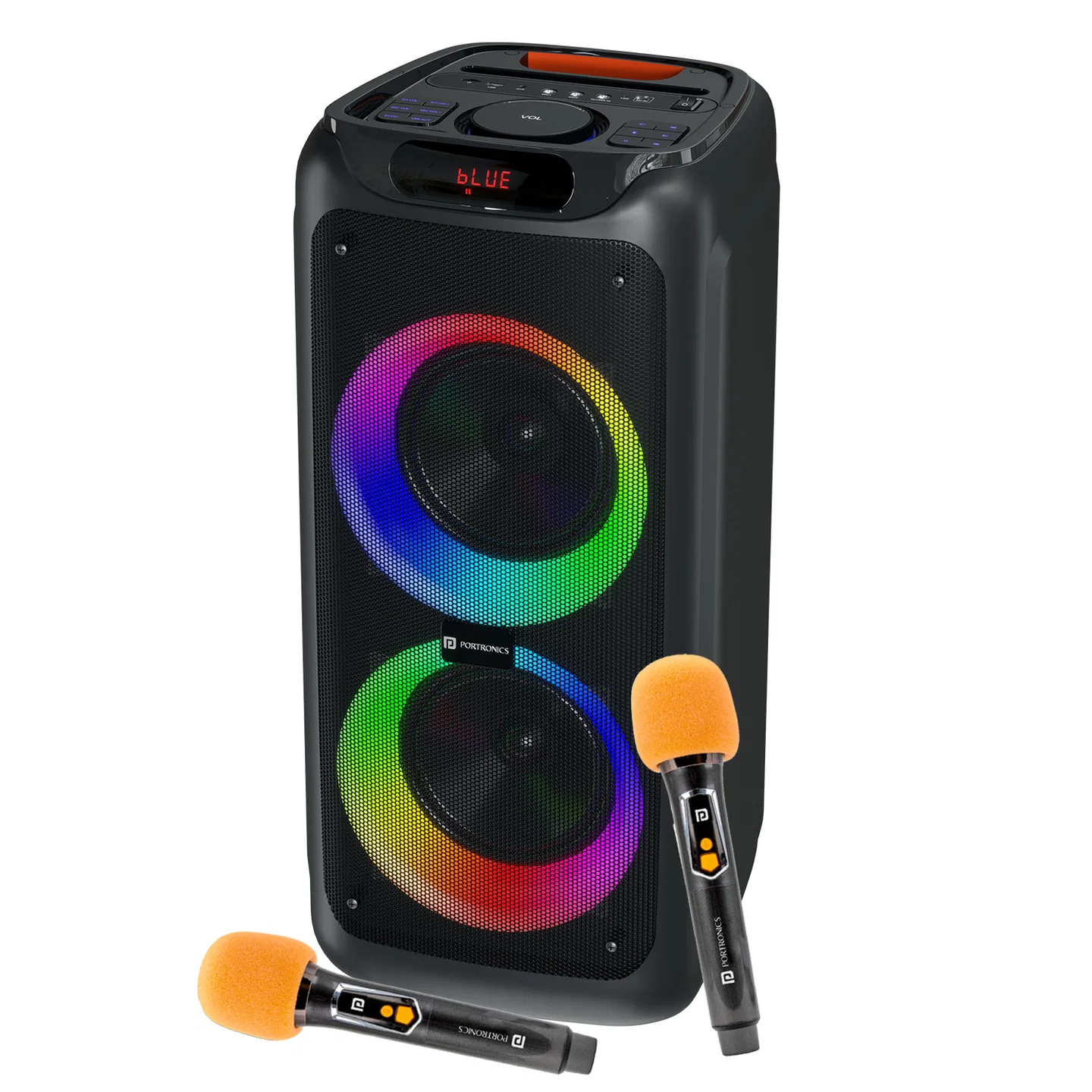
| Item | Details |
|---|---|
| Output | 150W |
| Drivers | Dual 8-inch |
| Bluetooth | 5.3 |
| TWS | Yes |
| Battery | 7.4V / 4500mAh |
| Playtime | Approx. 4 hrs at 50% volume |
| Charging | Type-C, 5V/2A |
| Charging Time | Approx. 3–4 hrs |
| USB/TF | Up to 32GB, FAT32, MP3 |
| Inputs | AUX, 6.35mm MIC, 6.35mm Guitar |
| Wireless Mics | 2 |
Controls
| Control | Function |
|---|---|
| Power | ON/OFF |
| M | Change mode / TWS |
| Play/Pause | Play or pause |
| PREV | Previous track |
| NEXT | Next track |
| VOL | Master volume |
| MIC VOL + / - | Mic volume |
| GT. VOL + / - | Guitar volume |
| ECHO | Adjust mic echo |
| UMLAUT | Mic effect |
| Light | Change RGB mode |
| BT | Reset Bluetooth mode |
Bluetooth
Turn on the speaker.
Open Bluetooth on your phone.
Search and select Iron Beats 5.
Play music.
TWS
Turn on two identical Iron Beats 5 speakers.
Keep both in Bluetooth mode.
Press and hold M for 5–10 seconds on one speaker.
Wait for the confirmation tone.
Connect the speaker to your phone.
Important: TWS pairing is only guaranteed to work reliably between two Iron Beats 5 units from the same production batch. Pairing speakers from different batches may fail or behave inconsistently. Check the batch/date code on both units if TWS does not work.
USB / TF
Use MP3 files.
FAT32 format.
Maximum 32GB.
PREV/NEXT = track control.
Play/Pause = play control.
AUX
Connect the AUX cable and press M to select AUX mode. Track selection is controlled from the connected device.
Wireless Microphones
| Indicator | Meaning |
|---|---|
| Blue | Connected |
| Blue blinking | Waiting for connection |
| Red | Charging |
Mic controls: Power = ON/OFF | Mute = mute/unmute
Charging
Use the provided cable.
Recommended input: 5V/2A.
Charging time: approx. 3–4 hours.
Red LED indicates charging.
Safety
Do not use the speaker while charging.
Keep away from water, heat and strong magnetic fields.
Do not open or modify the speaker.
Disconnect charging cable after full charge.
Was this article helpful?
That’s Great!
Thank you for your feedback
Sorry! We couldn't be helpful
Thank you for your feedback
Feedback sent
We appreciate your effort and will try to fix the article