TABLE OF CONTENTS
At a Glance
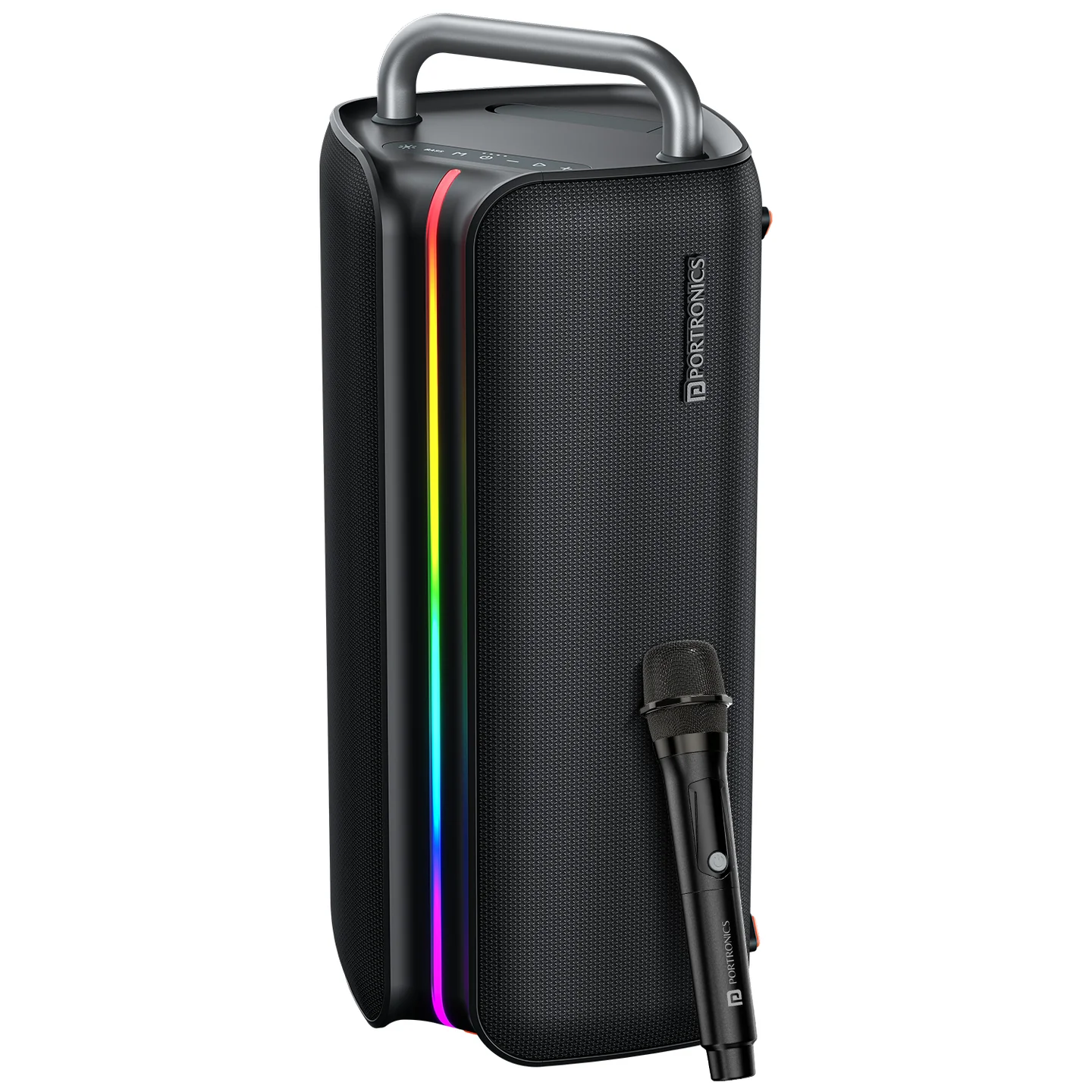
| Feature | Details |
|---|---|
| Output | 150W |
| Product Code | POR 2346 |
| Bluetooth | 5.3 |
| Playtime | Up to 6 hours |
| Charging | Type-C |
| TWS | Yes |
| Mic | Wireless Karaoke Mic |
| Connectivity | Bluetooth / USB / AUX |
| Lighting | RGB |
| Bass | Bass Boost |
Controls
| Control | Function |
|---|---|
| Power | ON/OFF |
| M | BT → USB → AUX |
| Play/Pause | Play/Pause / Mute in AUX |
| + | Volume up / Next song |
| - | Volume down / Previous song |
| BASS | Bass adjustment / TWS |
| Light | Light ON/OFF / Effect |
Bluetooth
Turn on the speaker.
Press M for BT mode if required.
Search for Portronics Nebula X.
Connect and play.
USB
Insert USB. The speaker switches to USB automatically and starts playback.
| Action | Control |
|---|---|
| Play/Pause | Short press |
| Next song | Long press + |
| Previous song | Long press - |
AUX
Connect the AUX cable and press M to select AUX mode. Short-press Play/Pause to mute/unmute.
TWS
Turn on both speakers.
Put both in Bluetooth mode.
Press and hold BASS for more than 2 seconds on one speaker.
Wait for the prompt voice and indicator confirmation.
Hold BASS >2 seconds again to exit TWS.
Important: TWS pairing is only guaranteed to work reliably between two Nebula X units from the same production batch. Pairing speakers from different batches may fail or behave inconsistently. Check the batch/date code on both units if TWS does not work.
Volume & RGB
Volume: U00–U15 using + / -.
Hold Light >2 seconds: RGB ON/OFF.
Press Light: change light effect.
Press BASS: increase bass.
Charging
Use Type-C with an adapter having a minimum output of 5V/3A. A warning sound indicates low battery.
Wireless Mic
A wireless karaoke microphone is included. The supplied manual does not provide detailed microphone pairing instructions.
Still stuck?
If the issue persists after performing all troubleshooting steps, please raise a support request.
Our support team will assist you further.
Support
Visit: www.portronics.com
Support Portal: support.portronics.com
Was this article helpful?
That’s Great!
Thank you for your feedback
Sorry! We couldn't be helpful
Thank you for your feedback
Feedback sent
We appreciate your effort and will try to fix the article