TABLE OF CONTENTS
- Product Overview
- Quick Reference
- What's in the Box
- Buttons & Controls
- Charging
- Bluetooth Mode
- FM Radio Mode
- TF / microSD Mode
- TWS Mode
- Indicator Guide
- Care & Safety
- Still stuck?
Product Overview
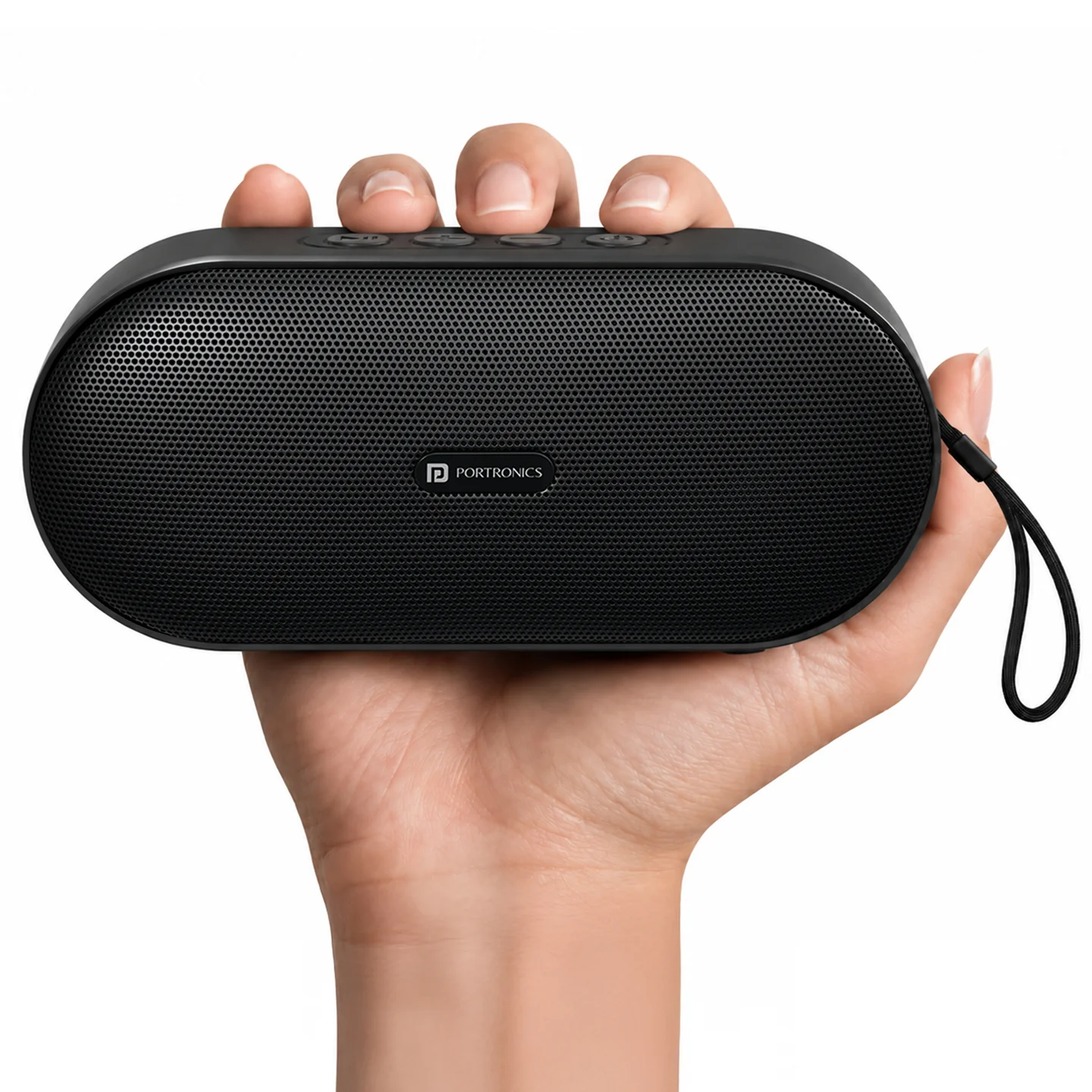
The Portronics Spark X is a compact 5W Bluetooth speaker with built-in FM radio and TF/microSD playback. It supports Bluetooth, FM and TF modes and charges through a Type-C port.
Quick Reference
| Feature | Details |
|---|---|
| Product | Portronics Spark X Bluetooth Speaker |
| Output Power | 5W |
| Bluetooth | 5.3 |
| Frequency Response | 80Hz – 18kHz |
| Battery | 3.7V / 1500mAh |
| Battery Type | Lithium 18650 |
| Charging | 5V Type-C |
| Charging Time | 2–3 hours |
| Playback Modes | Bluetooth, FM, TF/microSD |
| TWS | Supported |
What's in the Box
| Item | Quantity |
|---|---|
| Spark X Speaker | 1 |
| Type-C Cable | 1 |
| User Manual | 1 |
Buttons & Controls
| Button | Press | Press & Hold |
|---|---|---|
| Play / Pause | Play or pause music | Switch to TWS Bluetooth mode |
| Next Track / Volume Up | Next track / next FM channel | Increase volume |
| Previous Track / Volume Down | Previous track / previous FM channel | Decrease volume |
| Mode / Power | Change Bluetooth / FM / TF mode | Power ON / OFF |
Charging
- Connect the Type-C cable to the speaker.
- Connect the other end to a suitable 5V power source.
- Red blinking indicates charging.
- Red steady indicates charging is complete.
- The supplied manual specifies approximately 2–3 hours for full charging.
Bluetooth Mode
- Turn on the speaker.
- Press the Mode / Power button until Bluetooth mode is selected.
- Open Bluetooth settings on your phone or source device.
- Search for and select Spark X.
- Start playback.
FM Radio Mode
- Turn on the speaker.
- Press the Mode / Power button until FM mode is selected.
- Use Next and Previous to move through FM channels.
- Press and hold Next or Previous to adjust volume.
TF / microSD Mode
- Insert a compatible TF/microSD card.
- Press the Mode / Power button until TF mode is selected.
- Use Play/Pause, Next and Previous for playback control.
TWS Mode
The supplied manual indicates that TWS Bluetooth mode is activated by pressing and holding the Play/Pause button.
Important: TWS pairing is only guaranteed to work reliably between two Spark X units from the same production batch. Pairing speakers from different batches may fail or behave inconsistently. Check the batch/date code on both units if TWS pairing doesn't work.
Indicator Guide
| Indicator | Meaning |
|---|---|
| Red blinking | Charging |
| Red steady | Charging complete |
Care & Safety
- Use a suitable 5V charging source.
- Keep the charging port clean and dry.
- Keep the speaker away from water and liquids unless it is specifically rated for exposure.
- Do not attempt to open or repair the speaker yourself.
- Stop using the product if the battery or charging port appears damaged.
- Store the speaker in a cool, dry place when not in use.
Still stuck?
If the issue persists after performing all troubleshooting steps, please raise a support request.
Our support team will assist you further.
Support
- Visit: www.portronics.com
- Support Portal: support.portronics.com
Was this article helpful?
That’s Great!
Thank you for your feedback
Sorry! We couldn't be helpful
Thank you for your feedback
Feedback sent
We appreciate your effort and will try to fix the article