TABLE OF CONTENTS
At a Glance
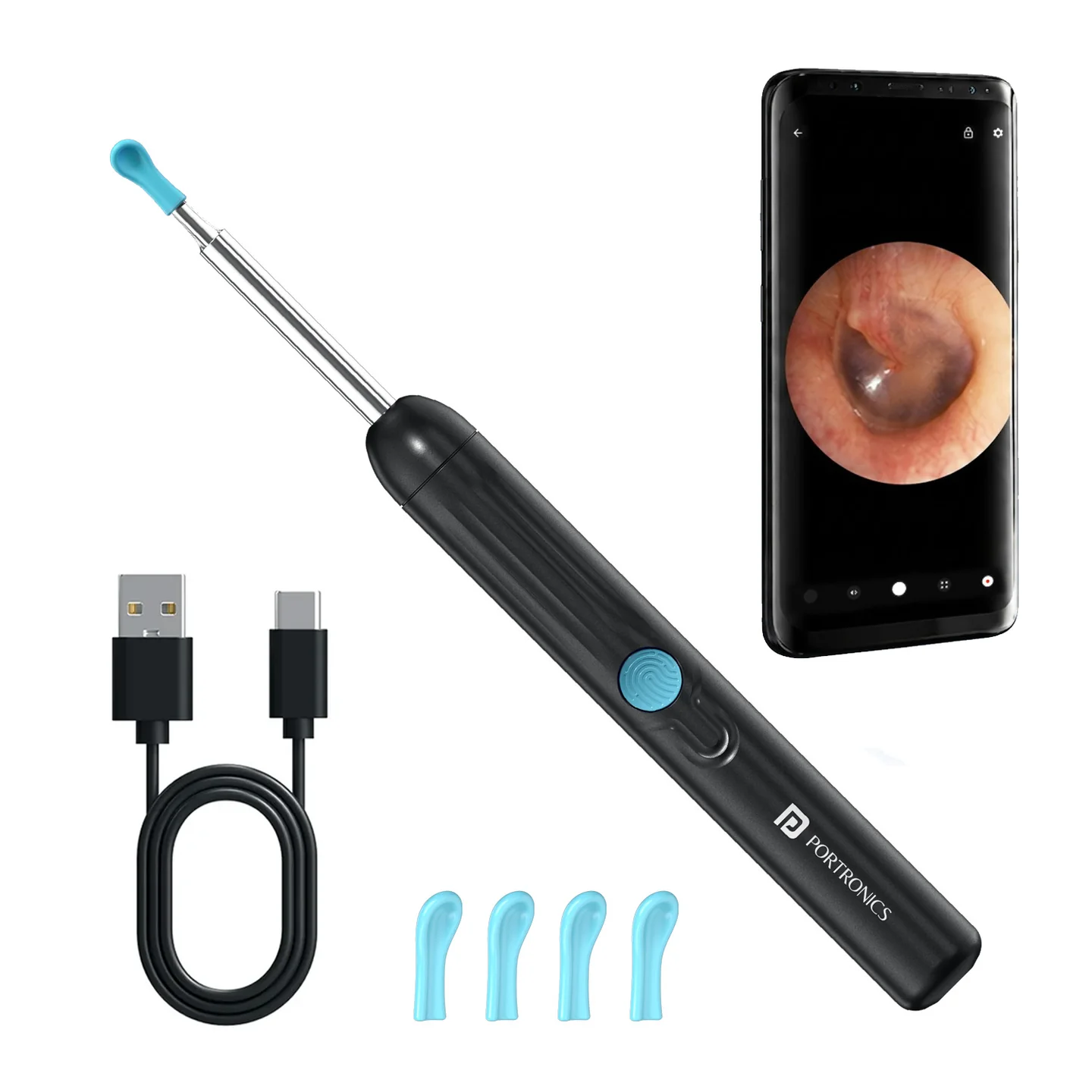
| Feature | Details |
|---|---|
| Product Code | POR 3708 |
| Type | Smart Wireless Ear Otoscope |
| Lens | 3.5mm |
| Camera | FHD 1080p |
| Camera Pixels | 3MP |
| LED Lights | 6 |
| Gyroscope | 3-axis |
| Wireless | 2.4GHz |
| Battery | 130mAh |
| App | EarVision |
In the Box
| Item | Qty |
|---|---|
| Ear Otoscope | 1 |
| Charging Cable | 1 |
| Ear Spoon | 1 |
| Silicone Ear Spoon | 1 |
| User Manual | 1 |
Power
Hold Power for 2 seconds to turn the device ON/OFF.
| Indicator | Meaning |
|---|---|
| Blue blinking | Waiting / not connected |
| Blue steady | Connected |
The device switches off automatically after about 10 minutes without a connected device.
App Setup
Install EarVision from the Apple App Store or Google Play.
Turn on the Cleansify Neo.
Open EarVision.
Allow the required app permissions.
Follow the in-app connection steps.
Use the live camera view for inspection.
Useful App Features
| Feature | Use |
|---|---|
| Record | Capture video |
| Photo | Capture image |
| Image Archive | View saved images |
| Zoom | Enlarge the view |
| Smart Reminder | Reminder function |
| Lock Orientation | Fix screen orientation |
| Search Wi-Fi | Connect to the device |
| Light Adjustment | Adjust LED lighting |
Usage
Use the camera gently and keep the device under control while viewing/cleaning. The manual includes an ear-otoscope accessory and silicone/ear-spoon attachments.
Charging
| Item | Manual |
|---|---|
| Input | DC 5V / 200mA |
| Charging time | Approx. 45 min |
| Usage time | Approx. 60 min |
| Battery | 130mAh |
Safety
Do not use the device on children under 3 years.
Do not use it alone where accidental injury is possible.
Do not use the camera in liquid or immerse it.
Do not knock, drop, disassemble or modify the product.
Keep away from excessive heat.
If the ear canal is completely blocked or the user is unsure about cleaning, the manual advises seeking professional treatment.
Still stuck?
If the issue persists after performing all troubleshooting steps, please raise a support request.
Our support team will assist you further.
Support
Visit: www.portronics.com
Support Portal: support.portronics.com
Was this article helpful?
That’s Great!
Thank you for your feedback
Sorry! We couldn't be helpful
Thank you for your feedback
Feedback sent
We appreciate your effort and will try to fix the article