TABLE OF CONTENTS
- Quick Reference
- What's in the Box
- Quick Setup
- Transmitter Controls
- Receiver
- Connection / Pairing
- Noise Reduction
- Mute
- Charging
- Audio Features
- Still stuck?
Quick Reference
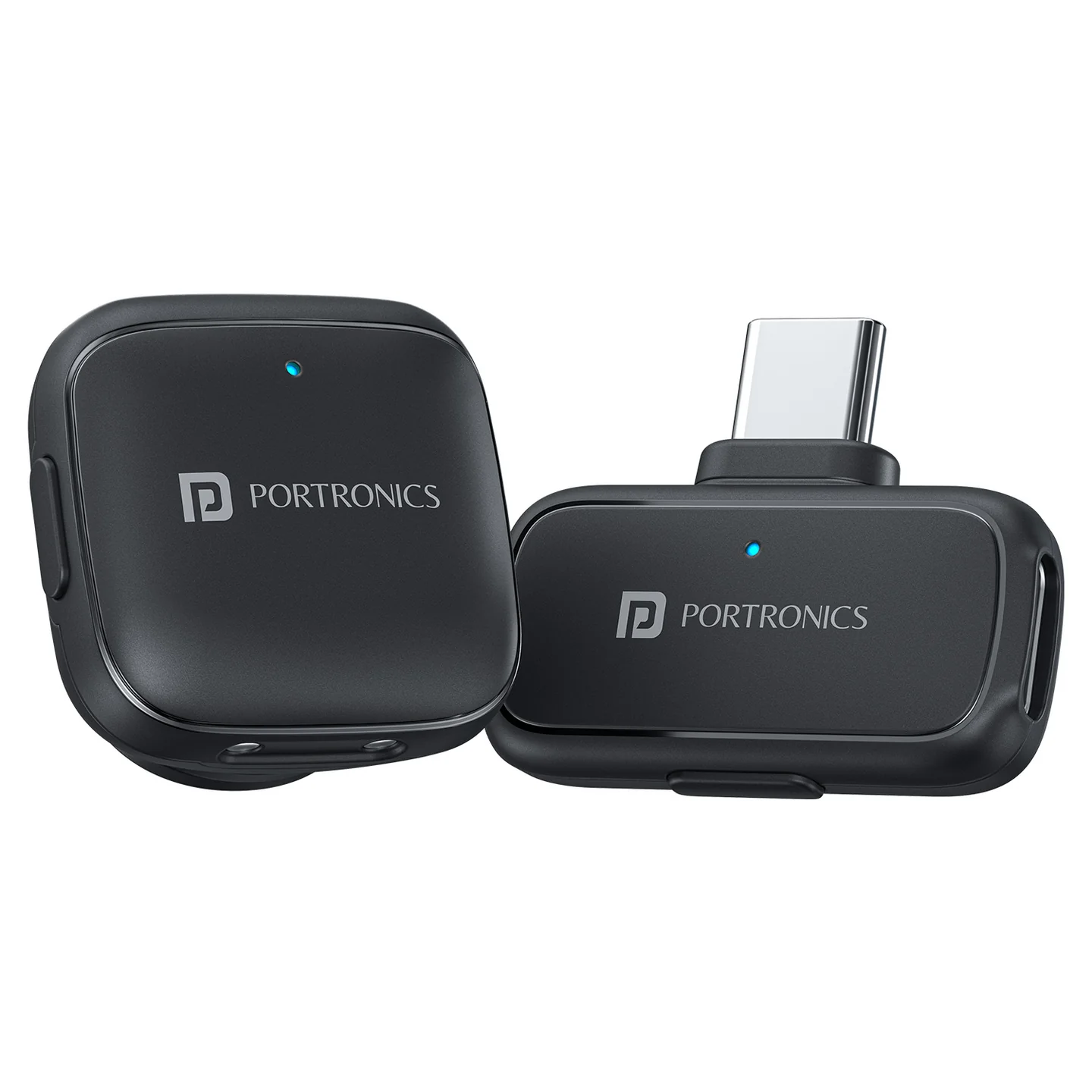
| Feature | Details |
|---|---|
| Product | VlogMate C |
| Type | Type-C Wireless Microphone |
| Receiver | Type-C |
| Working Range | Up to 30m |
| Latency | <25ms |
| Pickup | All-around / omnidirectional |
| Noise Reduction | Intelligent Noise Reduction |
| Recording | Both microphone units can record together |
| Charging | 5V/1A |
| Microphone Size | 26.4 × 25.9 × 19.1 mm |
| Receiver Size | 31.1 × 27.8 × 8.7 mm |
What's in the Box
| Item | Quantity |
|---|---|
| Wireless Microphones / Transmitters | 2 |
| Type-C Receiver | 1 |
| Charging Case | 1 |
| User Manual | 1 |
Quick Setup
Insert the Type-C receiver into the phone/device.
The receiver powers on automatically when connected to a compatible device.
Take the microphones out of the case.
The microphones connect to the receiver automatically when paired.
Start recording.
The product is designed for plug-and-play use with no complicated setup required.
Transmitter Controls
| Control | Function |
|---|---|
| MFB button — hold 3 sec | Power ON/OFF / pairing |
| Single click | Noise reduction mode |
| Double click | Mute / unmute |
| Red light | Noise reduction OFF / mute status as applicable |
| Green light | Noise reduction ON |
| Blue light | Pairing / operating indication |
| USB-C port | Charge the microphone |
Receiver
| Function | Details |
|---|---|
| Power | Automatically ON when plugged into the device |
| LED | Displays receiver/connection status |
| Charging | Not required separately for normal use |
Connection / Pairing
Press and hold the microphone MFB for 3 seconds to enter pairing.
The indicator begins flashing.
Connect the Type-C receiver to the phone/device.
The transmitter and receiver should connect automatically.
If no connection is established within about 3 minutes, the transmitter powers off automatically.
If pairing fails, press and hold the transmitter MFB for about 2 seconds to pair with the source.
Noise Reduction
Press the microphone MFB once to switch the noise-reduction mode.
| Indicator | Status |
|---|---|
| Green | Noise Reduction ON |
| Red | Noise Reduction OFF / mute-related status |
Mute
Double-click the MFB button to mute or unmute the microphone.
Charging
| Item | Detail |
|---|---|
| Charging voltage | 5V/1A |
| Charging port | USB-C on transmitter |
| Receiver | Plug-in powered |
Audio Features
Intelligent noise reduction helps reduce background noise.
Latency is specified at under 25ms.
The microphone captures sound from multiple directions.
Both microphone units support simultaneous recording.
Still stuck?
If the issue persists after performing all troubleshooting steps, please raise a support request.
Our support team will assist you further.
Support
Visit: www.portronics.com
Support Portal: support.portronics.com
Was this article helpful?
That’s Great!
Thank you for your feedback
Sorry! We couldn't be helpful
Thank you for your feedback
Feedback sent
We appreciate your effort and will try to fix the article