TABLE OF CONTENTS
- 1. Product Overview
- 2. Package Contents
- 3. Headphone Controls
- 4. First Pairing (Power ON)
- 5. Bluetooth Connectivity
- 6. Button Functions Explained
- 7. Charging the Headphones
- 8. Switching OFF the Headphones
- 9. Reset Method
- 10. Troubleshooting Guide
- 11. Important Warnings
- 12. Care & Maintenance
- Still Facing Issues?
1. Product Overview
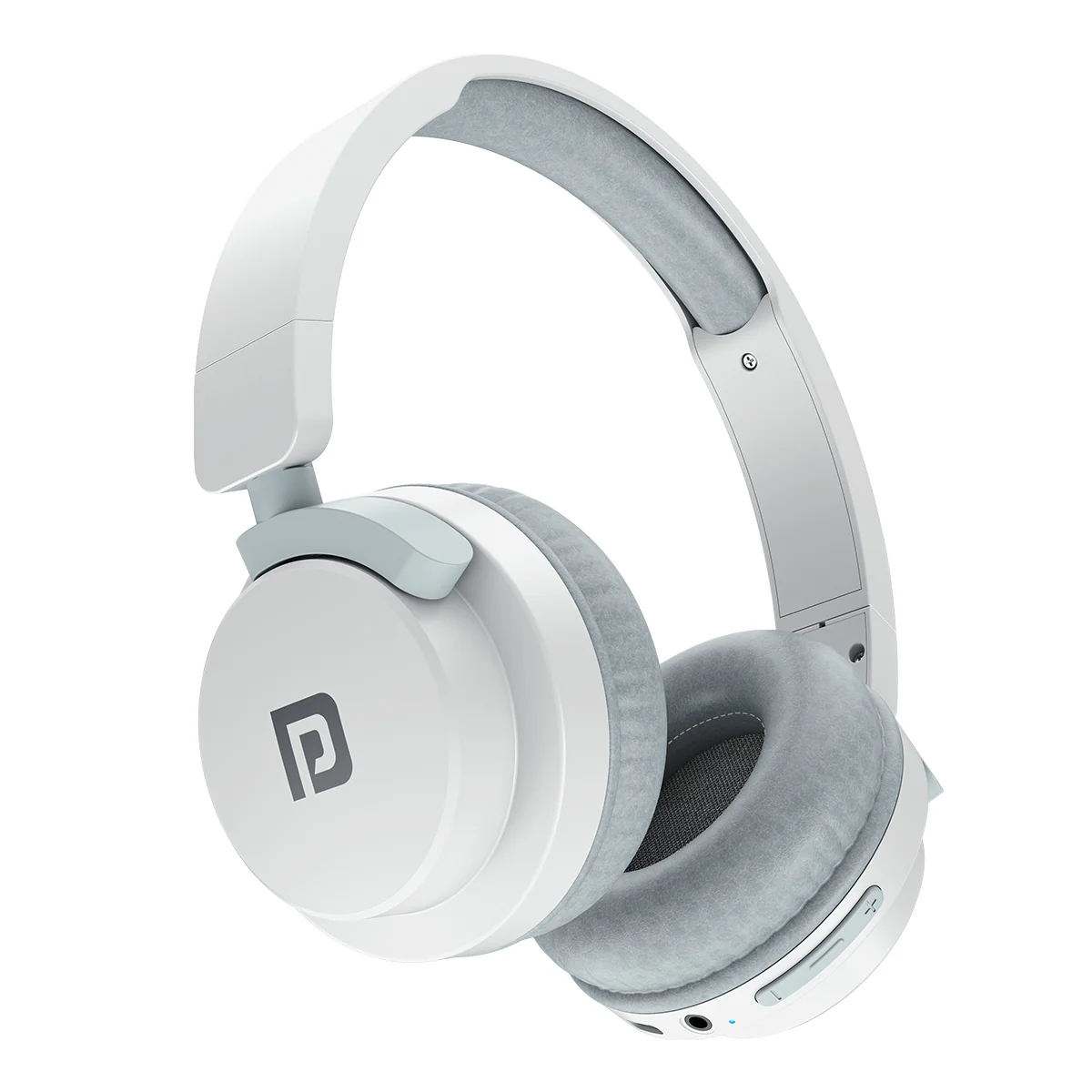
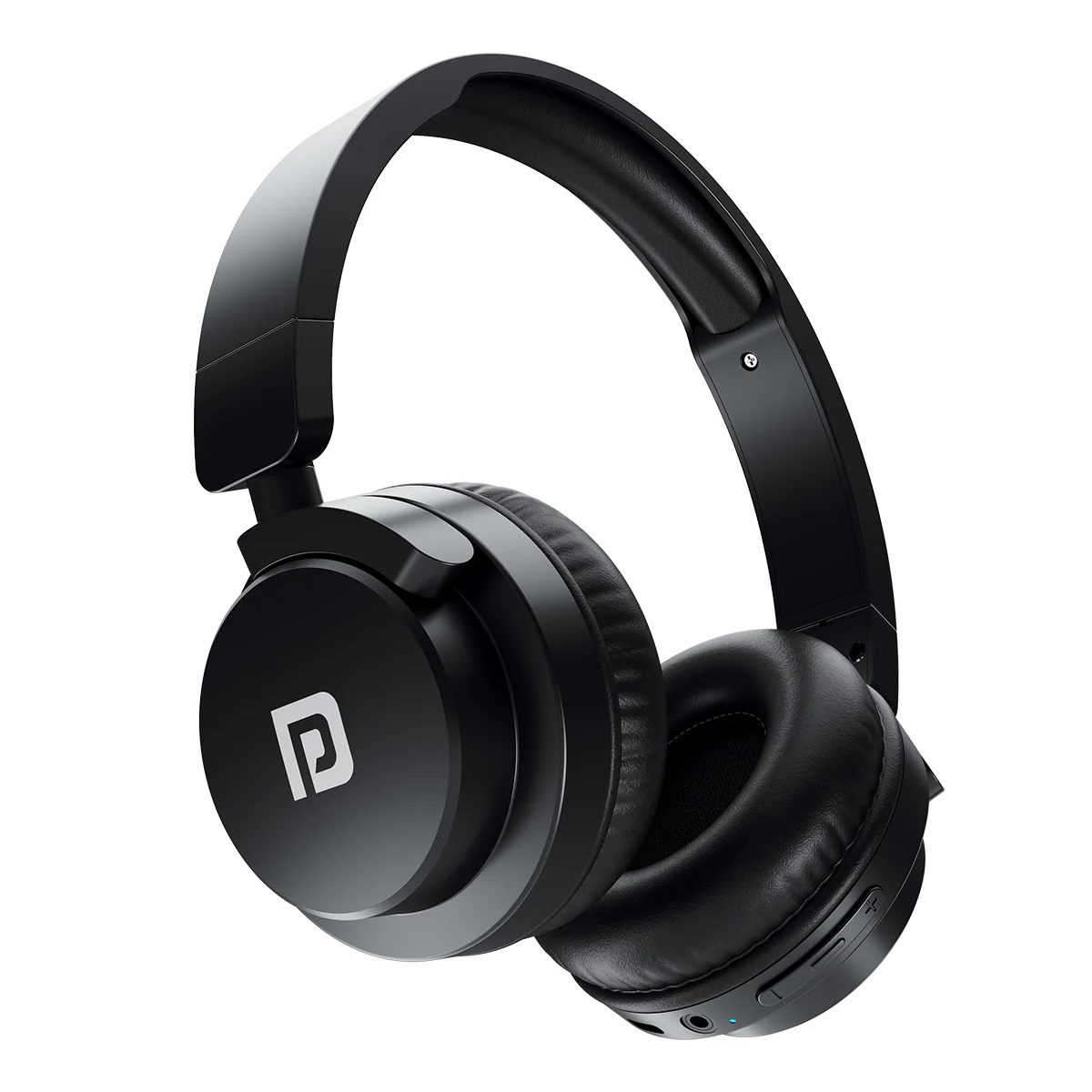
Model: Portronics Muffs M2
Type: Wireless Bluetooth Headphones
Key Features
- Bluetooth connectivity
- Built-in microphone
- Multimedia control buttons
- Type-C charging
- AUX (3.5 mm) support
2. Package Contents
- Muffs M2 Headphones
- Type-C Charging Cable
- User Manual
3. Headphone Controls
- Power Button (main control for power, calls, and play/pause)
- Volume + / Next Track Button
- Volume – / Previous Track Button
- LED Indicator (status & charging indication)
- 3.5 mm AUX Port
- Type-C Charging Port
- Microphone
4. First Pairing (Power ON)
Steps
- Press and hold the Power Button for 3 seconds
- Headphones will turn ON and enter pairing mode (LED blinking)
- Open Bluetooth on your device
- Search and select “Muffs M2”
- Confirm connection via voice prompt
✔ Pairing mode remains active for approximately 5 minutes
5. Bluetooth Connectivity
- Enable Bluetooth on your device
- Search for “Muffs M2”
- Tap to connect
- Voice confirmation indicates successful pairing
6. Button Functions Explained
Power Button Functions
- Press & hold (3 sec) → Power ON
- Press & hold (5 sec) → Power OFF
- Single press → Play/Pause
- Single press → Answer calls
- Press & hold → Reject calls
Media Controls
- “+” Button: Next track / Increase volume
- “–” Button: Previous track / Decrease volume
7. Charging the Headphones
Steps
- Insert Type-C cable into charging port (right side)
- Red LED → Charging
- Blue LED → Fully charged
Important Notes
- Fully charge before first use
- Low battery indication: LED blinks every 30 seconds
8. Switching OFF the Headphones
- Press and hold the Power Button for 4 seconds
- LED turns OFF → device powered down
9. Reset Method
Steps
- Remove “Muffs M2” from Bluetooth settings
- Press and hold “+” and “–” together for 5 seconds
- Turn OFF the headphones
- Turn ON again and reconnect
10. Troubleshooting Guide
Issue: Headphones Not Connecting
- Reset the headphones
- Re-pair the device
Issue: Disconnection During Calls
- Charge the headphones
- Perform reset
Issue: Buttons Not Responding
- Clean button area
- Remove dust using a soft cloth
11. Important Warnings
- Do not use in extreme temperatures
- Avoid water exposure
- Keep away from heat sources
- Do not block ports
- Avoid prolonged use at maximum volume
12. Care & Maintenance
- Clean with a soft, dry cloth
- Store in a dry and safe place
- Avoid drops and physical impact
Still Facing Issues?
If the issue persists after performing all troubleshooting steps, please Click here raise a support request.
Our support team will assist you further.
Was this article helpful?
That’s Great!
Thank you for your feedback
Sorry! We couldn't be helpful
Thank you for your feedback
Feedback sent
We appreciate your effort and will try to fix the article