TABLE OF CONTENTS
1. Introduction
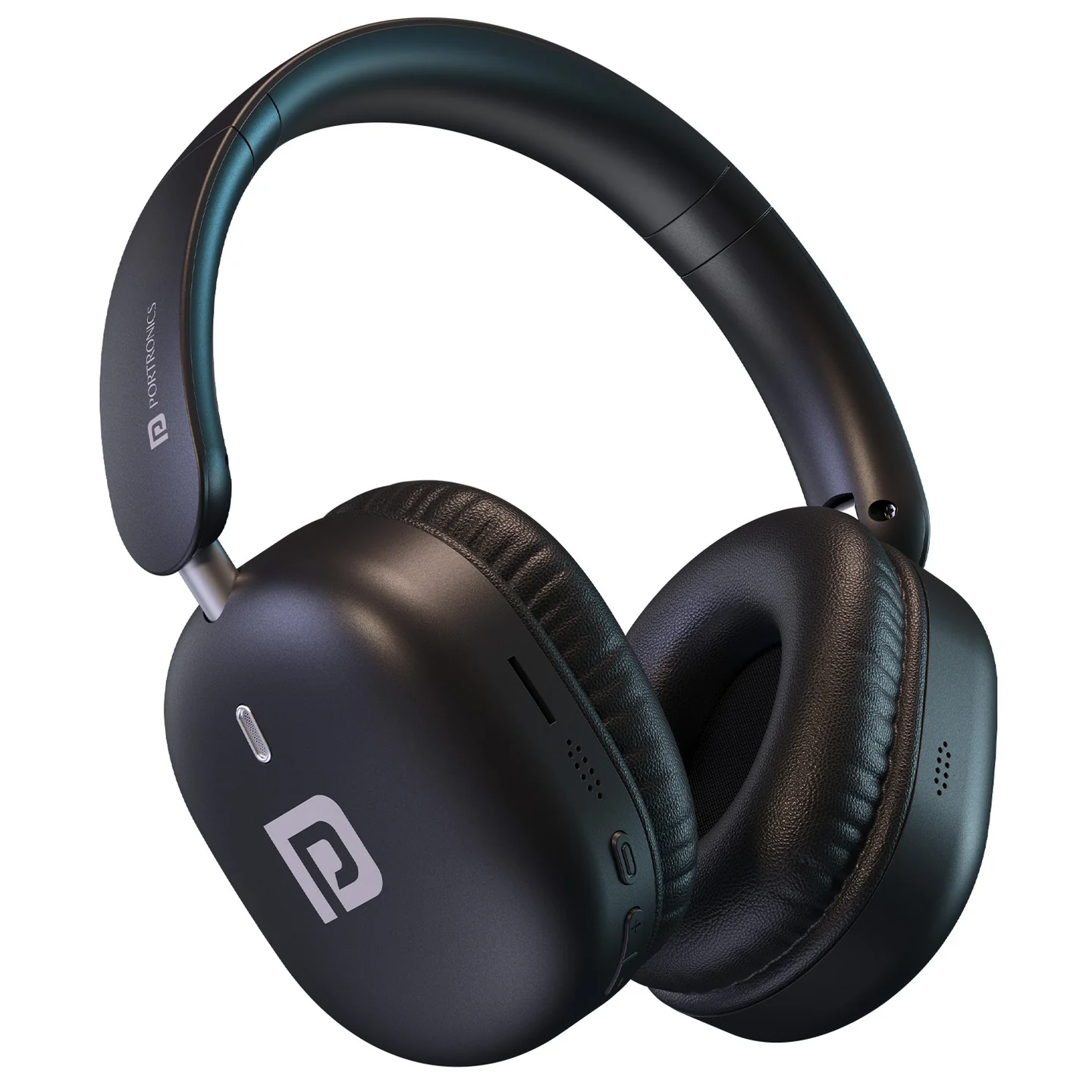
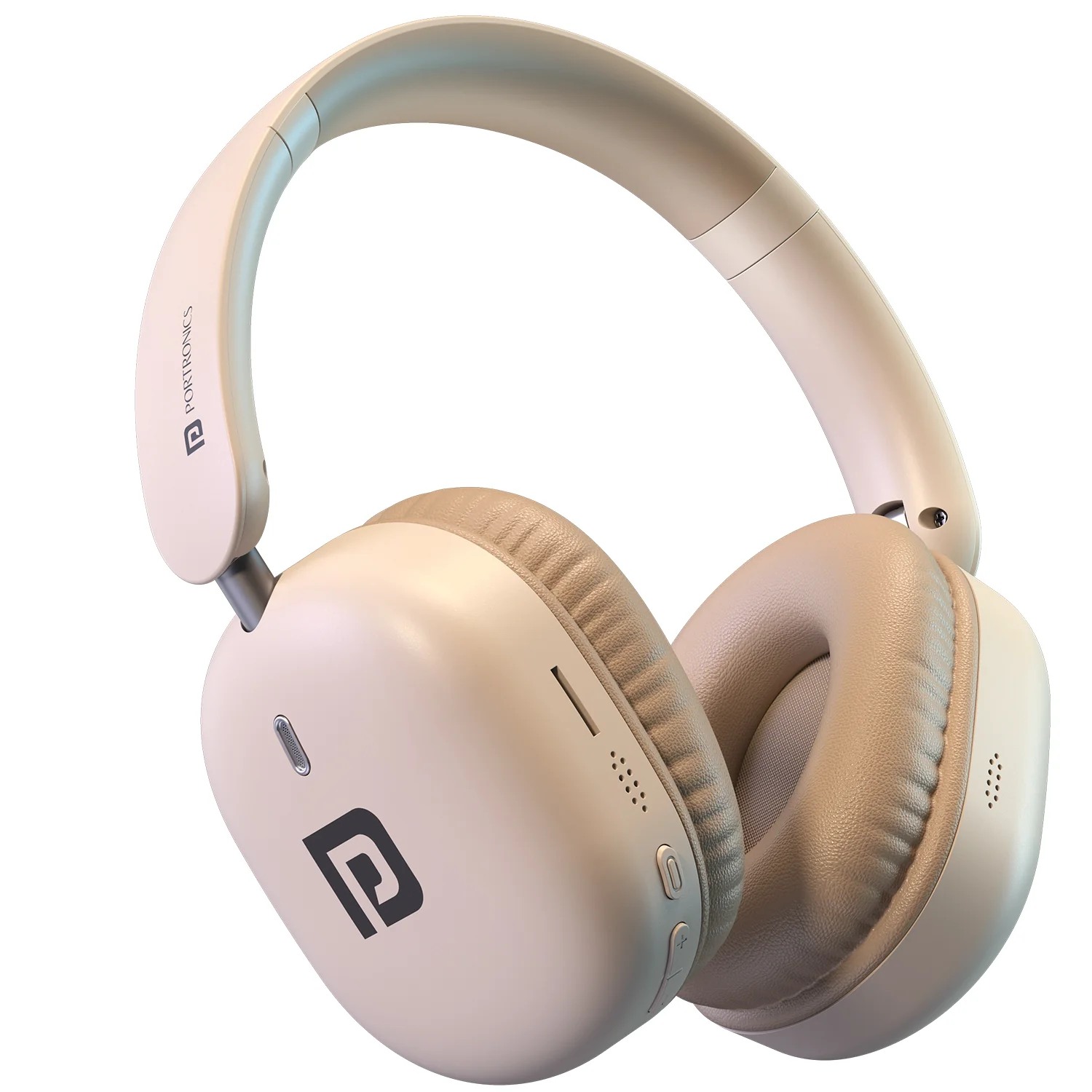
Thank you for choosing the Portronics Muffs M6 wireless headphone. Muffs M6 offers up to 40 hours of playtime, Bluetooth 5.4 connectivity with dual pairing, soft memory-foam ear cushions, and Type-C fast charging.
2. Package Contains
- Muffs M6 Headphones — 1
- USB-C Charging Cable — 1
- AUX Cable — 1
- User Manual — 1
3. Overview of Buttons and Ports
| Button / Port | Functions | LED Indicator Status |
|---|---|---|
| Power Button (⏻) | Long press to power ON/OFF. On first use, or if previously disconnected, a long press also activates Pairing Mode. | Solid Blue: Power ON · Off: Power OFF · Red & Blue Flashing: Pairing Mode |
| Multi-Function Button (⋯) | Single press: Play/Pause music · Single press: Answer call · Single press: End call · Press & hold (incoming call): Reject/Ignore call · Double press & hold: Redial last number · Long press: Activate/Deactivate voice assistant | — |
| Volume / Track Control (+ / −) | Single press "+": Increase volume · Long press "+": Next track · Single press "–": Decrease volume · Long press "–": Previous track | — |
| 3.5mm AUX Input Jack | Connect using the AUX cable to play music from compatible devices | — |
| USB-C Charging Port | Connect the supplied USB-C cable to charge. Use a 5V DC/200mA adapter. | Flashing Red: Low battery · Solid Red: Charging · Off: Fully charged |
4. How to Use — Power & Pairing
- Long-press the Power Button to turn Muffs M6 ON.
- On first use (or after a previous disconnect), the same long press also puts the headphone into Pairing Mode — the LED flashes red and blue.
- On your phone or laptop, open Bluetooth settings and select "Muffs M6" from the list of available devices.
- Once connected, the LED turns solid blue.
- To turn off, long-press the Power Button again.
Dual Pairing: Muffs M6 can stay connected to two devices at once, so you can switch effortlessly between your phone and laptop for calls, music, or work sessions.
5. How to Use — Calls & Voice Assistant
Using the Multi-Function Button (⋯):
- Single press — answer an incoming call, or end an active call.
- Press & hold during an incoming call — reject/ignore the call.
- Double press & hold — redial the last number.
- Long press — activate or deactivate your phone's voice assistant.
- Single press (when not on a call) — play or pause music.
6. How to Use — Volume & Track Control
- Single press "+" — increase volume.
- Long press "+" — skip to the next track.
- Single press "–" — decrease volume.
- Long press "–" — go back to the previous track.
7. Using the AUX Cable
Connect the supplied 3.5mm AUX cable between the headphone's AUX Input Jack and a compatible device to play music without Bluetooth.
8. Battery & Charging
- Use only the supplied USB-C cable to charge.
- Recommended adapter: DC 5V/2A.
- Charging status is shown via the LED:
- Flashing Red — low battery
- Solid Red — charging
- Off — fully charged
9. Specifications
| Specification | Details |
|---|---|
| Battery Capacity | 400mAh |
| Driver Diameter | 40mm |
| Speaker Frequency Range | 20Hz–20,000Hz |
| Speaker Impedance | 32 Ohm |
| Microphone Sensitivity | –42dB |
| Microphone Frequency Range | 100Hz–16,000Hz |
| Microphone Impedance | 2,200 Ohm |
| Charging Voltage | 5V DC |
| Receiver Distance | 10m |
| Bluetooth Version | V5.4 |
| Charging Port | Type-C |
| Playback Time | Up to 40 hours |
10. Support
If the issue persists after performing all troubleshooting steps, please raise a support request.
Our support team will assist you further.
Support
- Visit: www.portronics.com
- Support Portal: support.portronics.com
Was this article helpful?
That’s Great!
Thank you for your feedback
Sorry! We couldn't be helpful
Thank you for your feedback
Feedback sent
We appreciate your effort and will try to fix the article