TABLE OF CONTENTS
- Overview
- Key Features
- Box Contents
- Product Components
- How to Use
- Controls and Functions
- Indicator Status
- Battery and Charging
- Technical Specifications
- Troubleshooting
- Support
Overview
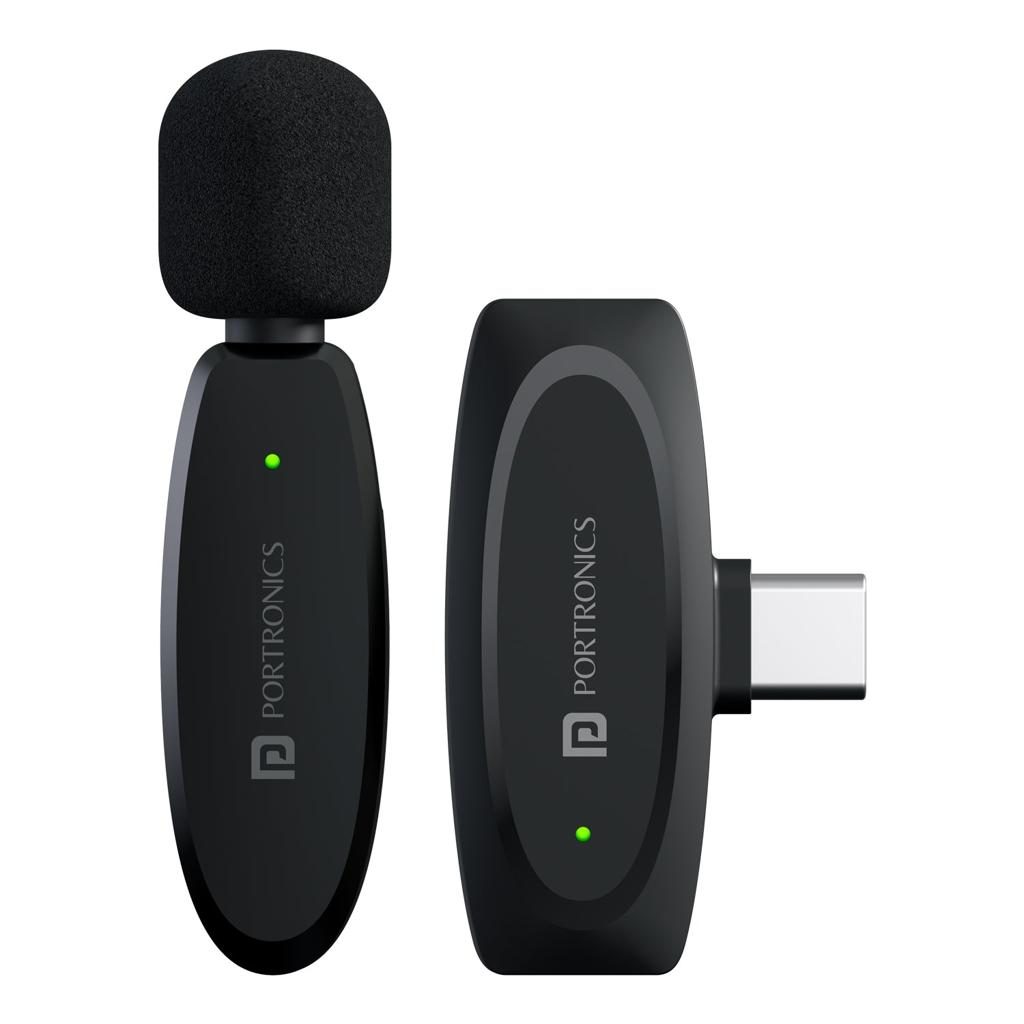
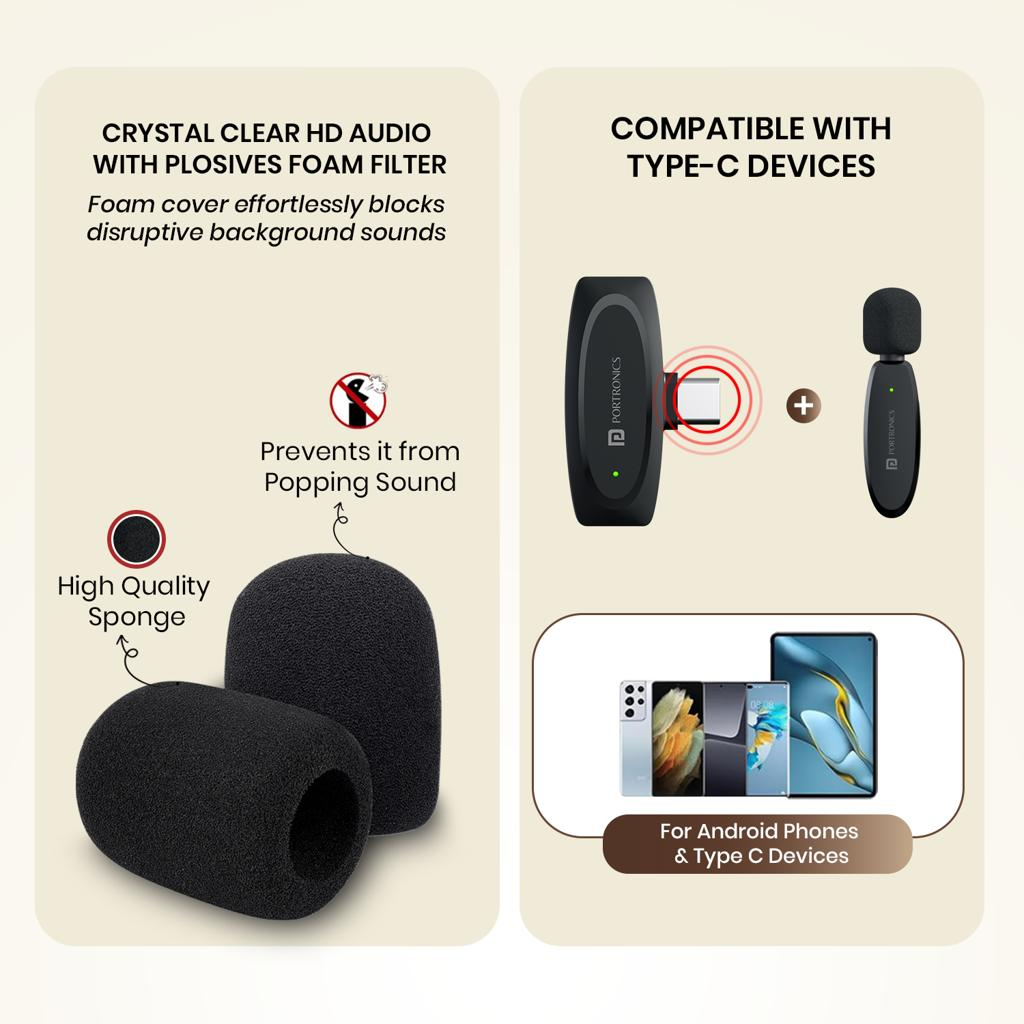
The Portronics Dash 7 AI is a wireless clip-on microphone designed for smartphones with USB-C connectivity. It offers plug-and-play functionality, low-latency audio transmission, and AI-based noise reduction for clear voice recording.
Key Features
- Plug-and-play functionality without the need for additional applications
- AI and standard noise reduction modes
- Low latency performance (under 25 ms)
- Omnidirectional audio pickup
- High-quality, lossless sound output
- Dual microphone recording capability
- Compact and portable design
Box Contents
- Microphone (Transmitter)
- USB-C Receiver
- Type-C Charging Cable
- User Manual
Product Components
Microphone (Transmitter)
- Power button
- Indicator light
- Type-C charging port
- Clip for attachment
Receiver
- USB-C connector
- Indicator light
- Type-C pass-through charging port
How to Use
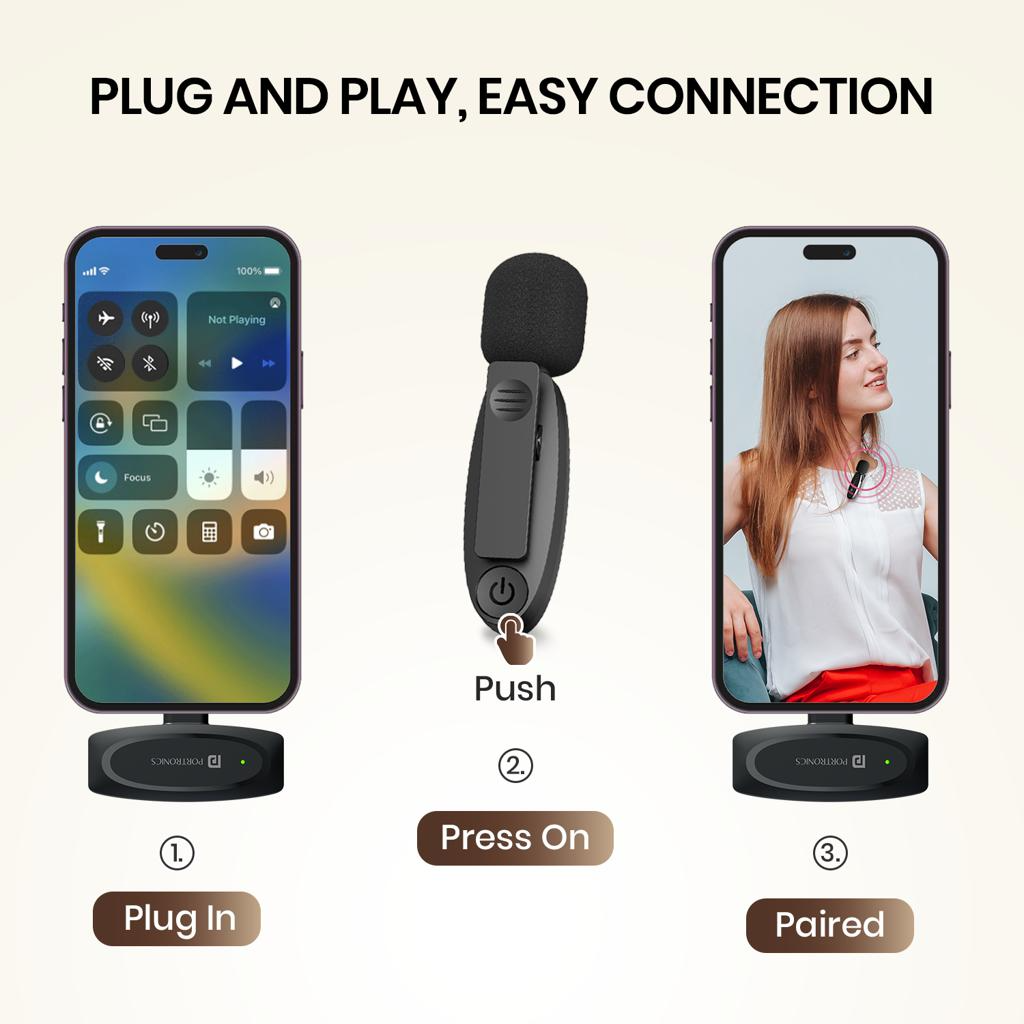
- Turn on the microphone by pressing and holding the power button for 3 seconds. The indicator light will flash red and blue.
- Connect the receiver by plugging it into your smartphone. The receiver will power on automatically and the green light will begin flashing.
- The microphone and receiver will pair automatically. Once connected, both devices will show a solid green light.
- Open your recording or camera application and begin recording.
- If the microphone is not connected within 3 minutes, it will automatically power off.
For best performance, keep the microphone within 20 cm of your mouth.
Controls and Functions
Power
Press and hold the power button for 3 seconds to turn the microphone on or off.
Noise Reduction (Single Press)
- Green light: Noise cancellation off (default)
- Yellow light: AI noise cancellation
- Blue light: Standard noise cancellation
Mute/Unmute (Double Press)
- Red light on: Microphone muted
- Red light off: Microphone active
Indicator Status
Pairing Status
- Flashing red and blue: Searching for connection
- Solid green: Successfully connected
Battery Status
- Flashing red: Low battery
- Solid red: Charging
- Light off: Fully charged
Receiver Status
- Flashing green: Searching for connection
- Solid green: Connected
Battery and Charging
The microphone can be charged using the Type-C port.
The receiver supports pass-through charging, allowing you to charge your phone while using the device.
Technical Specifications
- Frequency: 2.4 GHz
- Latency: Less than 25 ms
- Transmission range: Up to 20 meters
- Battery life: Up to 6 hours
- Sensitivity: -38 dB
Troubleshooting
Device Not Connecting
- Ensure the microphone is powered on
- Reinsert the receiver into the device
- Wait for automatic pairing
No Audio
- Check if the microphone is muted
- Ensure the recording application has microphone permissions enabled
Poor Audio Quality
- Keep the microphone close to your mouth
- Switch between noise reduction modes based on environment
Battery Issues
- Fully charge the device before use
- Check charging indicators
Support
Warranty: 12 months, covering product design, feature, and functionality-related faults. Damage due to physical impact, liquid exposure, fire, or misuse is not covered.
Need Help?
- Visit: support.portronics.com
Was this article helpful?
That’s Great!
Thank you for your feedback
Sorry! We couldn't be helpful
Thank you for your feedback
Feedback sent
We appreciate your effort and will try to fix the article