TABLE OF CONTENTS
- At a Glance
- What's in the Box
- Controls
- Bluetooth
- AUX / USB / microSD
- Wireless Microphone
- Charging
- Safety
- Still stuck?
At a Glance
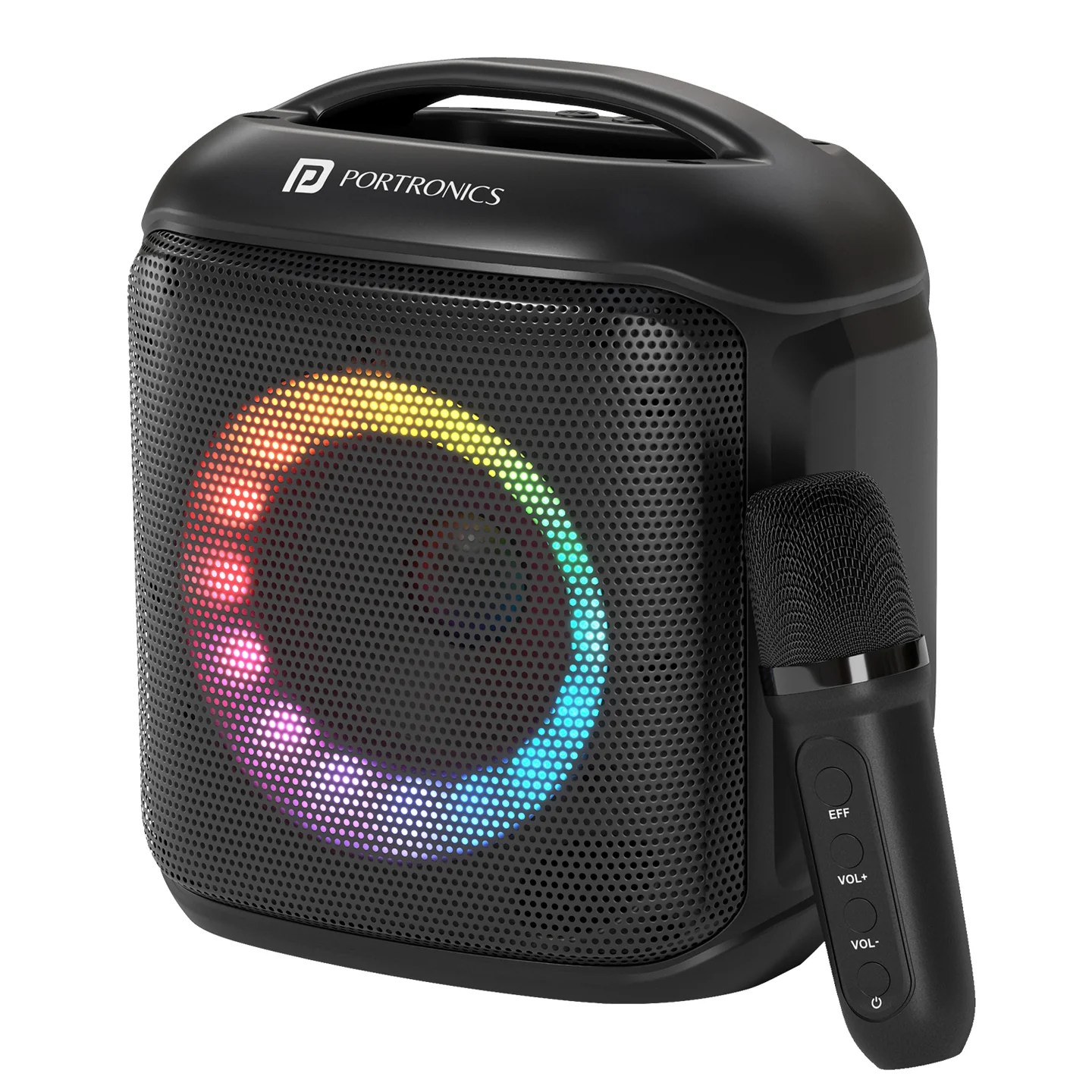
| Feature | Details |
|---|---|
| Output | 20W |
| Product Code | POR 2740 |
| Bluetooth | 5.3 |
| Playtime | Up to 5 hours |
| Driver | 3-inch |
| Speaker Battery | 2000mAh |
| Wireless Mic | Yes |
| Mic Battery | 300mAh |
| Charging | Type-C 5V |
| Connectivity | Bluetooth / AUX / USB / microSD |
| Lighting | RGB LED |
What's in the Box
| Item | Qty |
|---|---|
| Speaker | 1 |
| Wireless Microphone | 1 |
| Type-C Cable | 1 |
| Audio Cable | 1 |
| User Manual | 1 |
Controls
| Control | Function |
|---|---|
| M | Change mode: Bluetooth / AUX / USB / TF |
| - | Short press: previous track • Long press: volume down |
| + | Short press: next track • Long press: volume up |
| Play/Pause | Play / Pause |
| M long press | Backlight control |
Bluetooth
Turn on the speaker.
Select Bluetooth mode using M.
Search for the speaker on your phone and connect.
Use Play/Pause and +/- for music control.
AUX / USB / microSD
Use M to select the required mode.
AUX: connect the audio cable.
USB: insert a compatible USB drive.
microSD/TF: insert the card into the TF slot.
Wireless Microphone
| Mic Control | Function |
|---|---|
| Power | ON/OFF |
| Voice Changer | Change voice effect |
| VOL+ | Long press: increase volume |
| VOL- | Long press: decrease volume |
Charging
Charging port: Type-C 5V
Charging indicator: Red LED ON
Fully charged: Red LED OFF
Charger is sold separately according to the manual.
Safety
Keep away from moisture and water.
Keep the speaker away from heat sources.
Place on a stable surface.
Do not open or repair the unit yourself.
Clean only with a soft cloth.
Still stuck?
If the issue persists after performing all troubleshooting steps, please raise a support request.
Our support team will assist you further.
Support
Visit: www.portronics.com
Support Portal: support.portronics.com
Was this article helpful?
That’s Great!
Thank you for your feedback
Sorry! We couldn't be helpful
Thank you for your feedback
Feedback sent
We appreciate your effort and will try to fix the article